Community examples aren't actively verified by the e2e team so exercise extra caution when running.
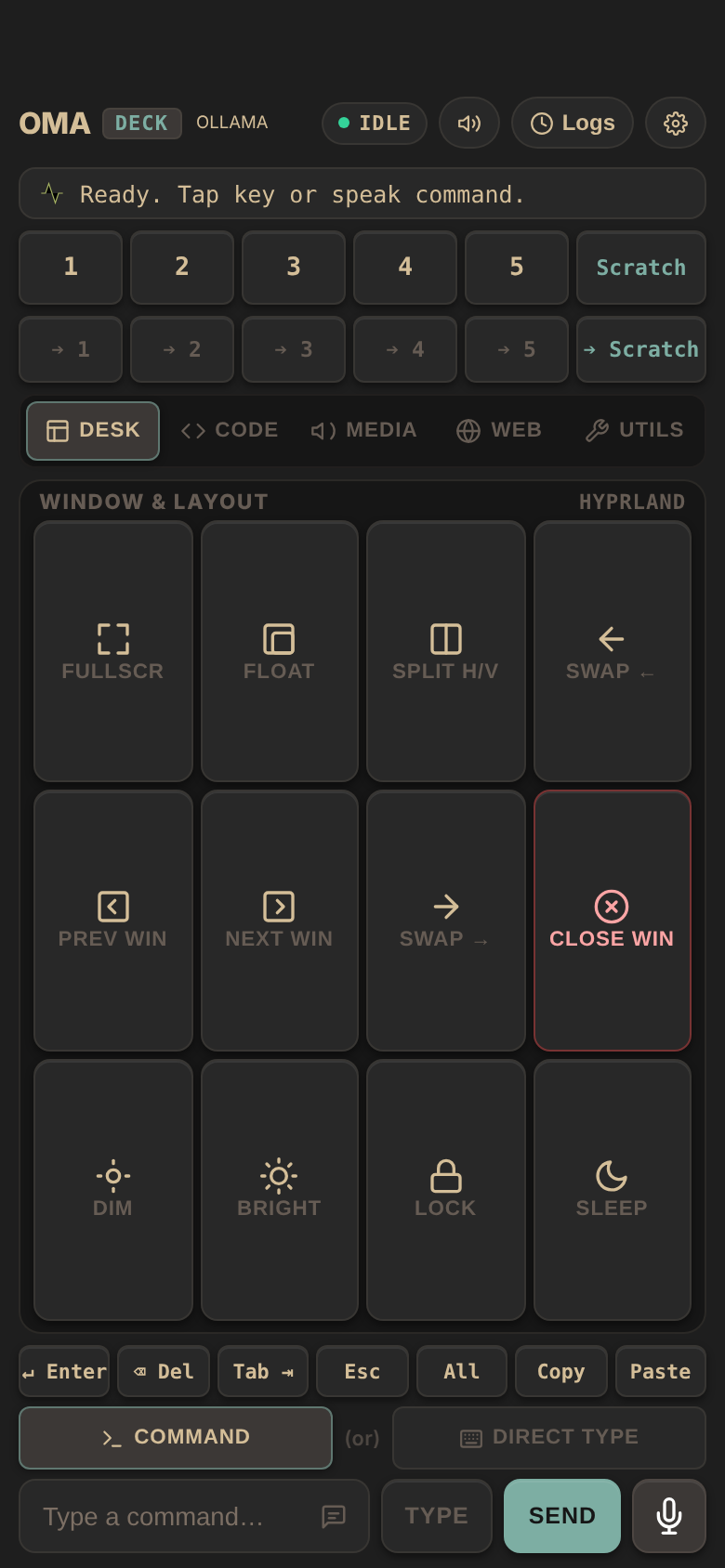
OmaDeck turns a phone into a remote deck for a Hyprland
desktop: the phone opens a web page served by a Python bridge, and every key
the phone taps becomes a hyprctl or wtype call on the PC. These tests
drive that page in a phone-sized browser with e2e
and check what reached the desktop.
No desktop needed
start-deck.sh starts the bridge with a throwaway config and a known pairing
token, and puts fake hyprctl and wtype from fake-desktop/
first on its PATH. They write each call to .deck/calls.log instead of
touching a desktop, so the tests run on any Linux or macOS machine and in CI:
await screen.getByRole('button', '2').click();

await expect.poll(desktopCalls).toContain('hyprctl dispatch hl.dsp.focus({ workspace = "2" })');
What they cover
tests/deck.e2e.ts, with locators:
- the pairing link opens the deck
- a workspace key switches the desktop to that workspace
- Direct Type types text into the focused PC window
- the Media profile shows playback and volume keys
- the phone stays paired after the token leaves the address bar
tests/agentic.e2e.ts, with the e2e agent: it works
out which keys to press from a plain-language goal, and each test then checks
the desktop call itself, so a pass does not rest on the model's word.
Run
Use Python 3.11+ and Node 22.22.3+, 24.8+, or 26+. From this folder:
npm install
npm run test:e2e
The runner starts the bridge on http://localhost:8799 and downloads
Chromium on the first run if needed.
Agent tests
Set a Vercel AI Gateway key:
AI_GATEWAY_API_KEY="your-key" npm run test:e2eWithout the key, the agent tests skip. Results are in .e2e/report.json.
Last checked with e2e 0.23.0, @e2e-dev/web 0.15.5, Python 3.13, and Node 22.