
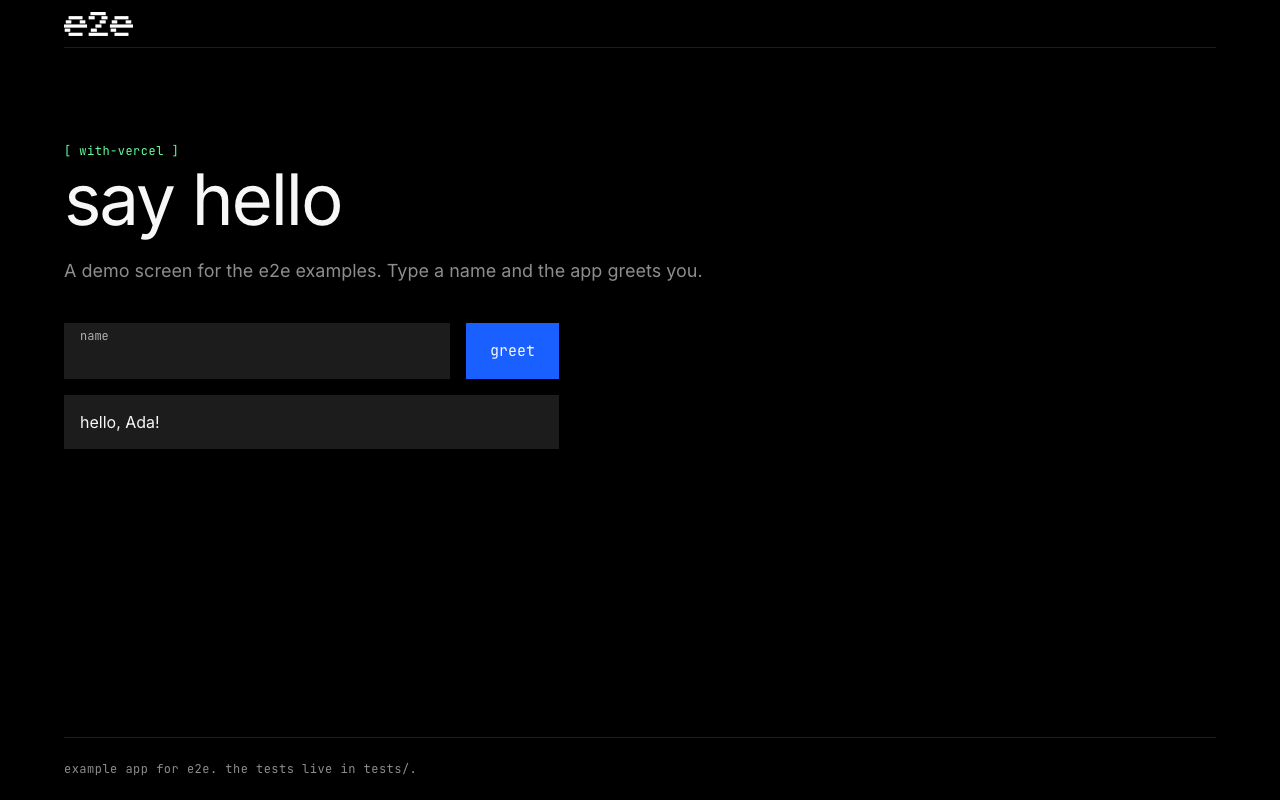
A Next.js App Router greeting app, ready to deploy on Vercel, with e2e tests that run against your local dev server or any deployment URL. It has three locator tests and two agent tests.
The tests
- tests/deterministic.e2e.ts uses locators to check the form, the empty-name error, and the greeting. It needs no model.
- tests/agentic.e2e.ts asks the agent to get a greeting and to find the empty-name error. Each agent step is paired with a locator check that doesn't depend on the model.
Testing every deployment
.github/workflows/e2e.yml runs the tests
against every Vercel deployment, preview and production. Vercel starts it with
a vercel.deployment.ready
repository dispatch event
once a deployment has built. On each run it:
- Sets a pending commit status named
e2e - previewore2e - productionon the deployed commit. - Checks out that commit and installs dependencies and Chromium.
- Runs
npx e2e run --reporter list,junitwithAPP_URLset to the deployment's URL. - Posts the results as a comment on the deployment's pull request with the
@e2e-dev/githubreporter, and writes them to the job summary. A new run updates the same comment. - Uploads
.e2e/report.json,.e2e/junit.xml, and.e2e/resultsas an artifact, and sets the commit status to the result.
Vercel's event doesn't name a pull request, so the workflow finds the open pull request for the deployed commit and passes it to the reporter.
The replay cache in .e2e/cache is committed. The agent's steps replay from it
in CI instead of calling the model again, until the app or the test changes.
app.identity in e2e.config.ts keeps the cache valid across
deployment URLs.
A Deployment Check on the
e2e - production status keeps a production deployment off your production
domains until its tests pass. When they fail, the previous deployment stays
live.
Set it up for your project
- Deploy with the button above, or import your copy of the repository into Vercel.
- In Settings → Git, turn on repository_dispatch events.
- In Settings → Deployment Protection, add a Protection Bypass for
Automation secret. The tests send it in the
x-vercel-protection-bypassheader, so they can open protected deployments. - In GitHub, under Settings → Secrets and variables → Actions, add the
bypass secret as
VERCEL_AUTOMATION_BYPASS_SECRETand a Vercel AI Gateway key asAI_GATEWAY_API_KEY. Without the key, the agent tests skip. - In Settings → Build and Deployment → Deployment Checks, select Add
Checks, choose GitHub, and select
e2e - production. The status shows up there after the workflow's first run.
Agent tests and the AI Gateway
The agent uses openai/gpt-6-luna-fast through the
Vercel AI Gateway. It reads
AI_GATEWAY_API_KEY. In a linked Vercel project, a VERCEL_OIDC_TOKEN from
vercel env pull works too. e2e doesn't load .env files, so export the
variable in your shell.
Without a key or a token, the agent tests skip and the locator tests still run.
Run locally
Use Node 22.22.3+, 24.8+, or 26+. From this folder:
npm install
AI_GATEWAY_API_KEY="your-key" npm run test:e2e
The runner starts the app at http://localhost:3100 and downloads Chromium on
the first run if needed. Leave out the key to run only the locator tests. Add
-- --no-cache to use fresh model calls. Results are in .e2e/report.json.
Test a deployment
Set APP_URL to test a deployed app, such as a Vercel preview URL, instead
of the local dev server:
APP_URL="https://your-app.vercel.app" npm run test:e2eSee e2e.config.ts and tests/ for the setup.
License
Last checked with e2e 0.23.1, @e2e-dev/web 0.16.0, Next.js 16.4, and Node 24.