A SwiftUI greeting app with three locator tests and two agent tests.
The test project is in e2e/, next to the Xcode project.
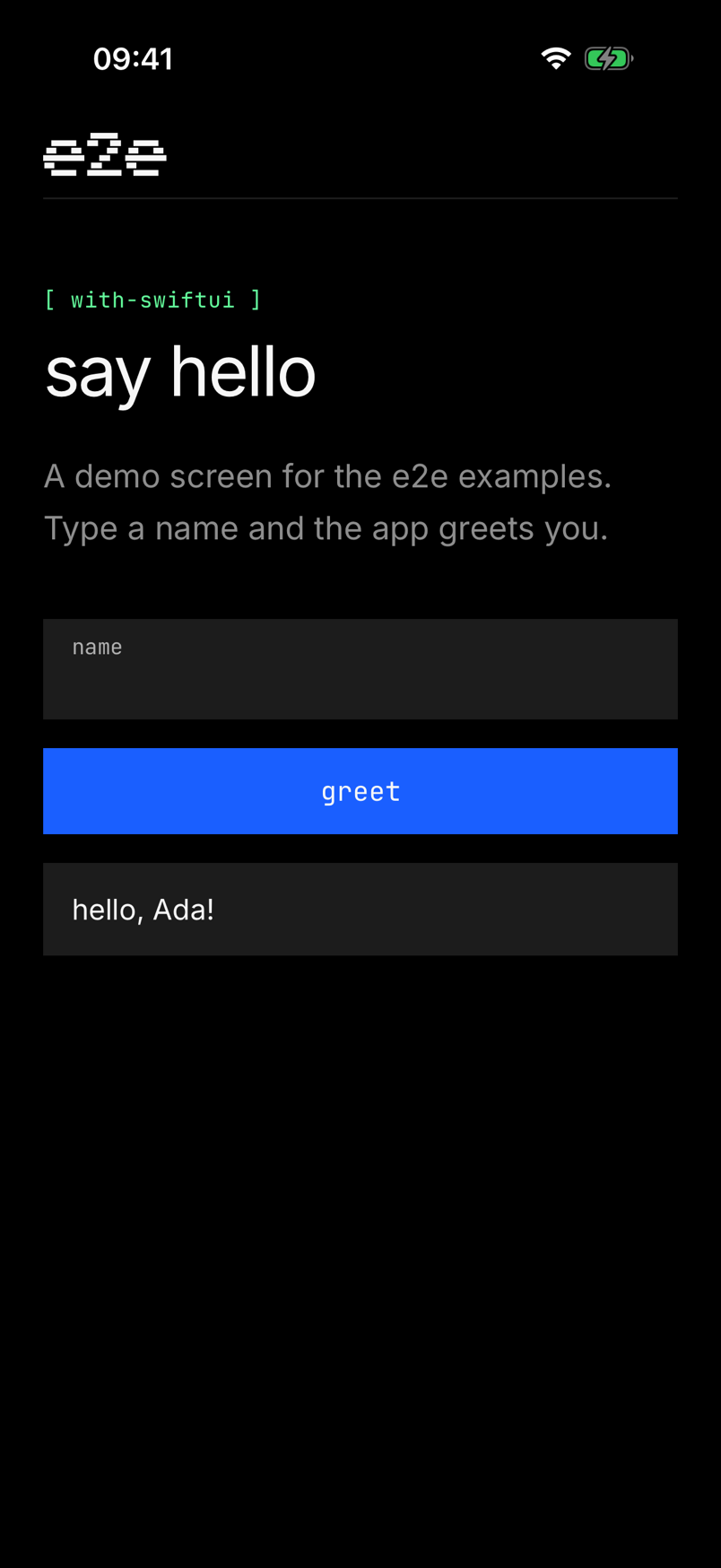
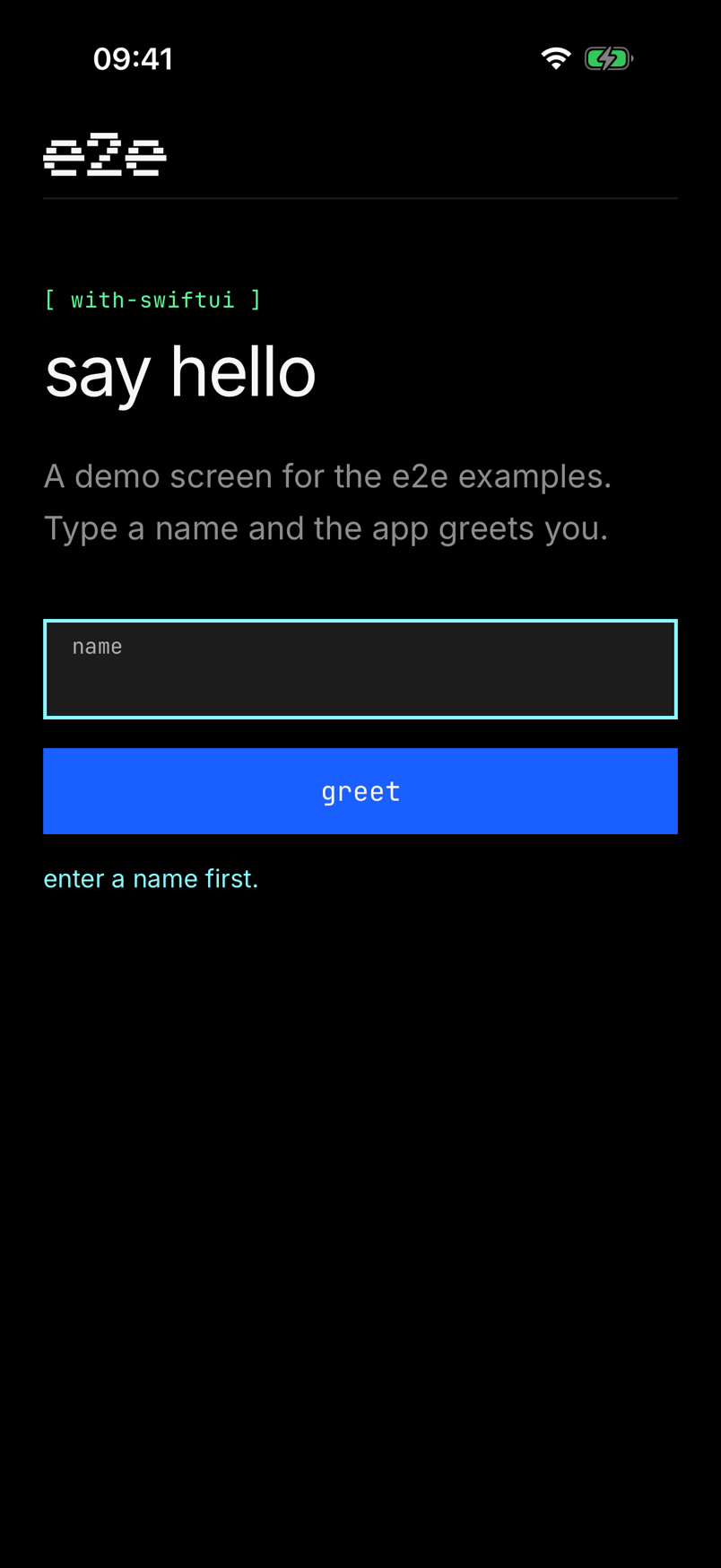
Run
Open HelloApp.xcodeproj in Xcode. Select the HelloApp scheme and an
iPhone simulator. Press Run to build and install the app. Stop the
Xcode run before you start the tests.
Use Node 22.22.3+, 24.8+, or 26+ for the tests. From this folder:
cd e2e
npm install
npx e2e doctor
npm run test:e2e
e2e doctor checks Node, the config, agent-device, Xcode, and the
simulators. With one booted simulator or device (a connected iPhone counts),
it also checks that the app is installed.
After app changes, run the app in Xcode again before you run the tests.
Agent tests
Set a Vercel AI Gateway key.
From e2e/:
AI_GATEWAY_API_KEY="your-key" npm run test:e2eWithout the key, the agent tests skip. Add -- --no-cache to use fresh
model calls. Results are in e2e/.e2e/report.json.
See e2e/e2e.config.ts and e2e/tests/ for the setup. For device setup and CI, see the Mobile guide.
The bundled fonts use the SIL Open Font License.
Last checked on 2026-11-09 with e2e 0.23.0, @e2e-dev/mobile 0.12.6, and Xcode
26.3 on an iOS 26.3 simulator. npx e2e doctor and the three locator tests
passed. The agent tests were not run.